

Since 2001 · IT, Cyber, Web, Business & Currency→

Why keep WordPress updated

We see it all the time. A business gets a WordPress site built, it looks great on launch day, and then nobody touches it for two years. By the time they notice something's wrong, the site is riddled with outdated plugins, security holes, and sometimes actual malware. Keeping WordPress updated is what keeps your website working instead of turning it into a liability.

Last updated
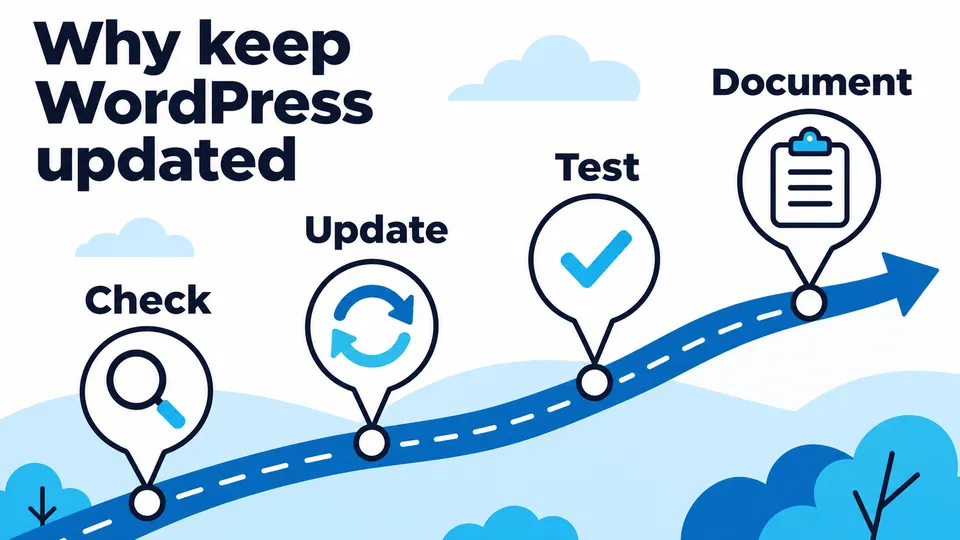
A rising road has four map pins labelled check, update, test and document.
Check, update, test, document Four steps along a rising road: check, update, test and document.

The short answer

WordPress updates fix security vulnerabilities, improve performance, and keep your plugins compatible with each other. Patchstack's State of WordPress Security in 2026 report counted 11,334 new WordPress vulnerabilities during 2025, 91% of them in plugins, not WordPress itself. The same report puts the typical time from a vulnerability being published to attackers first using it at just five hours. If your site isn't being updated regularly, it's only a matter of time before something goes wrong.
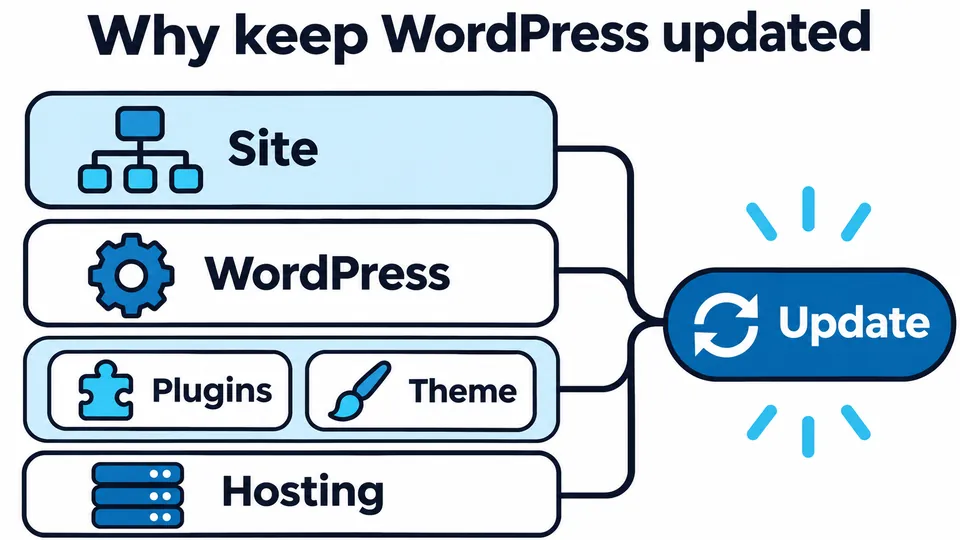
Stacked boxes labelled site, WordPress, plugins, theme and hosting all join an update button on the right.
Site parts that need updates Site, WordPress, plugins, theme and hosting feeding into one update.

What to consider

Security holes get exploited fast

Once a vulnerability is made public, automated tools start scanning the internet for unpatched sites within hours, not days or weeks.

Plugins are the main risk

The vast majority of WordPress security issues come from plugins, not WordPress core. Every plugin you install is another thing that needs updating.

Outdated sites get blacklisted

Google flags compromised sites with 'this site may be hacked' warnings in search results, which tanks your traffic and your reputation.

Updates can break things

This is why people avoid them, but a controlled update with testing and a backup is far less painful than recovering from a hack.

Updates fix more than security

Updates also fix bugs, improve page speed, and keep your site working properly on new browsers and devices. Ignore them and your site slowly degrades.

Recovery costs more than maintenance

A hack clean-up is an unplanned bill, and it often comes with lost enquiries while the site is down. Regular upkeep is a planned cost that makes that bill much less likely.

Who this guide is for

  • Business owners with a WordPress site that hasn't been updated in months (or years).
  • Anyone who's been ignoring update notifications because they're worried about breaking something.
  • Businesses that had a site built by a developer who then disappeared.
  • Owners who want to understand why their web team keeps talking about maintenance.

What to do next

  1. Check when your site was last updated. Log into your WordPress dashboard and look at the updates page. If there are dozens of pending updates, that's a sign things have been neglected.
  2. Make a full backup first. Before updating anything, take a complete backup of your files and database so you can roll back if something goes wrong.
  3. Update in the right order. Update plugins first, then your theme, then WordPress core, and check the site after each batch to catch any issues early.
  4. Remove what you don't use. Deactivated plugins still pose a security risk if they're installed, so delete anything you're not actively using.
  5. Set up ongoing maintenance. Talk to us about a maintenance plan so updates happen regularly, safely, and without you having to think about it.
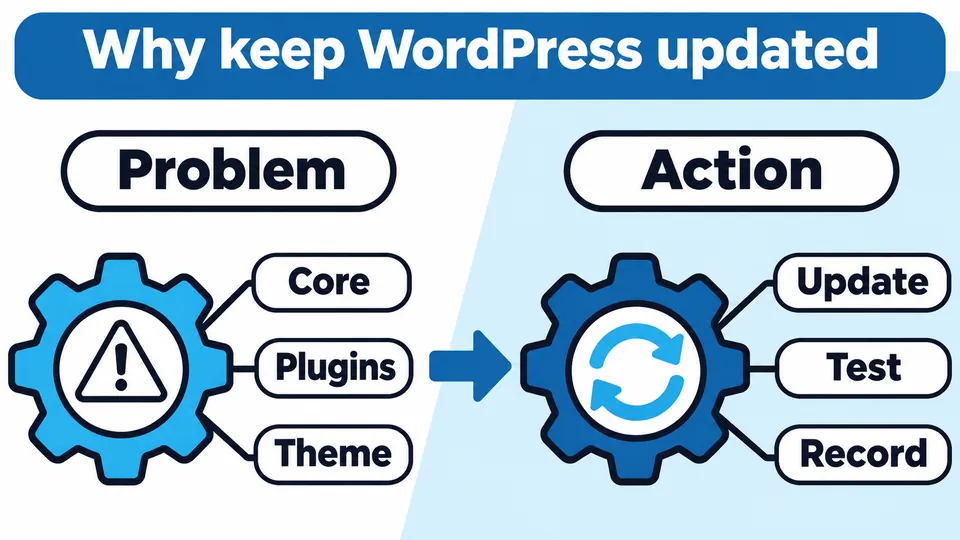
On the left, a warning gear with core, plugins and theme labels. On the right, a refresh gear with update, test and record labels.
Problem and action Core, plugins and theme problems set against an update, test and record action.

How WaTo can help

  • We run WordPress maintenance plans that cover updates, backups, security monitoring, and uptime checks.
  • We test updates in a staging environment before applying them to your live site so nothing breaks unexpectedly.
  • If your site has already been hacked, we can clean it up, restore from backup, and secure it properly.
  • We audit your plugins and remove anything unnecessary to reduce your attack surface.
  • We've been managing WordPress sites for Adelaide businesses for years. We know the common pitfalls and how to avoid them.
  • Keeping WordPress and having it maintained is a sound choice. If your site is small and rarely changes, a rebuild as a code site is another option, and we will help you weigh them up.
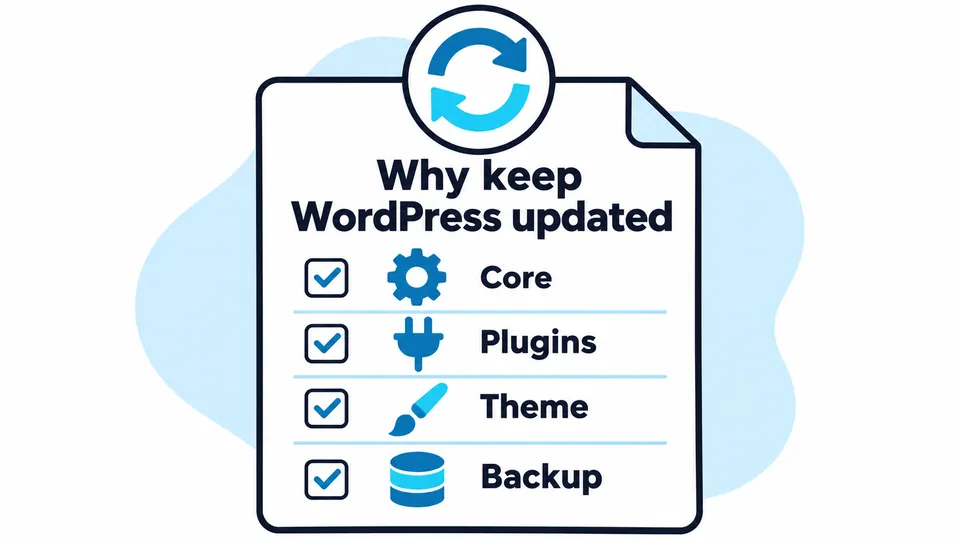
A document with a refresh icon on top and four ticked rows: core, plugins, theme and backup.
Updates checklist card Core, plugins, theme and backup are ticked off on a checklist card.

Related questions

Can't I just turn on automatic updates?

WordPress does have auto-updates for minor releases, but automatic plugin updates can sometimes cause conflicts. A managed approach, where updates are applied and tested, is safer than hoping auto-updates don't break anything.

How often should WordPress be updated?

At minimum, monthly. Security patches should be applied as soon as they're released, ideally within days. If a critical vulnerability is announced, it should be patched the same day.

My site looks fine. Does that mean it's safe?

Not necessarily. Many compromised WordPress sites look perfectly normal to visitors while silently redirecting search traffic, injecting spam links, or harvesting data in the background. A security scan is the only way to know for sure.

What if my developer built something custom that breaks with updates?

Custom code should be built to handle updates gracefully. If updates consistently break your site, that points to a build quality issue. We can review your setup and fix the underlying problems so updates work smoothly.

How WaTo can help with this

Still not sure?

If your WordPress site hasn't been touched in a while and you're not sure what state it's in, get in touch. We'll take a look and tell you honestly what needs attention, and whether a maintenance plan makes sense for your business.

Mon to Fri, 8:30am to 5pm

No two businesses are the same, so every plan and price we list is a starting point. We shape it around yours, take on as little or as much as you like, and keep it simple.

Questions

Frequently asked questions

How do your plans and pricing work?

There are three ways, and each has its place: by the hour, a prepaid block of hours, or a monthly retainer. Most clients start hourly or with a block and move to a retainer after a renewal or two, and plenty of bigger clients stay hourly. We help you find your fit, and every bill shows the work.

How quickly do you respond?

A real person gets back to you within one business day, and urgent outages come first. As a starting point we aim to answer critical outages within 1 hour and high priority jobs within 4 business hours; your agreement sets the exact times. See our service levels.

Do you only do IT support?

No. IT & Digital, cyber security, websites & hosting, business solutions and currency equipment, all from one local team. One number to call.

What does it cost?

Charged by the hour, remote help is $115 an hour and on-site work is $180 an hour. You can also prepay a block of hours. Retainers usually suit a fleet of computers, and managed IT typically runs $80 to $200 per user per month. Prices are ex GST. See our rates.

Do you support businesses outside Adelaide?

Yes. We're Adelaide-based with on-site visits across South Australia, remote support Australia-wide, and we fly in to clients in Darwin, Brisbane and elsewhere for planned work.

Will you work with our existing IT person?

Absolutely. We often co-manage, taking on monitoring, security and after-hours cover alongside your in-house team.

Why we're different

Not your typical IT company

We keep it simple, and fix things so they stay fixed, instead of patching them today.

A typical IT company
WaTo Consulting
You wait in a call queue
A real person on the WaTo team answers
One rigid plan, take it or leave it
Hourly, a prepaid block or a retainer, and we help you pick
Patch it today, deal with it again later
Fix the root cause, and what it could cause next
Jargon and over-engineering
Kept simple and explained in plain English
IT only, you juggle other vendors
IT, cyber, web, business & currency under one roof
Hosting resold from someone else
Our own Australian hosting, run by us
WaTo character, happy to help

Still not sure what you need?

Tell us what's slowing you down and we'll point you to the right fix. You're a partner, not a client.

Call (08) 7123 0805 Email info@wato.com.au
Why clients choose us

Trusted by Adelaide business since 2001

The WaTo team
Real people in Adelaide, not a call queue
  1. SA Construct · client from day one
    Our whole IT structure is with WaTo Consulting for the simple reason that there's no sales spiel, no waiting in line on the phone, and always an effective, quick result when needed.
  2. WaTo Consulting

    From day one and still going 🤝

  3. Enzo's at Home · client since 2001
    WaTo has been assisting our company since 2001. Always punctual, trustworthy, honest, and can be relied on to get the job done.
  4. WaTo Consulting

    Time flies when you're having fun 🙌

  5. Real estate business · client from 2010
    WaTo looked after IT for our property management business from 2010. We grew dramatically in that time and WaTo was instrumental in keeping all our IT in order, with smooth upgrades.
  6. WaTo Consulting

    Loved being part of the growth 📈

  7. Hospitality venue
    In a busy, large hospitality venue with constant IT issues, WaTo is an incredible asset. If WaTo's called with an issue, they're often here within the hour.
  8. WaTo Consulting

    On my way 🚗

  9. Accounting practice
    WaTo has been invaluable in moving us from Outlook to Gmail and teaching us the other Google products. Friendly, approachable and easily understood. We've even brought WaTo in to help one of our own clients migrate.
  10. WaTo Consulting

    Happy to help your clients too 🤝

  11. CRS · client since 2011
    Our data is the backbone of our company, and we sleep easy at night knowing it's safe and secure. Whenever we have an IT problem, WaTo understands how crippling downtime is and is quick to act.
  12. WaTo Consulting

    Backups checked. Sleep easy 😴

  13. Lasers in Medicine
    WaTo's IT expertise streamlined our medical practice, reduced operating costs and simplified our backups. 100% quality customer service to small business.
  14. WaTo Consulting

    Every business is our thing 💪

  15. Engineering company
    Wato, or "DJ WaTo" as he's known to us, has become like family. He always goes above and beyond, with a few good solutions to our ever-demanding needs.
  16. WaTo Consulting

    🎧 DJ WaTo, at your service

  17. City cafe, multiple locations
    WaTo set up our point of sale and internet. They always answered my calls and could even troubleshoot problems over the phone. Very professional. Thank you, WaTo!
  18. WaTo Consulting

    Always happy to pick up 📞

  19. Printing industry · client since 2013
    Our business relies on discipline and attention to detail, which is exactly why we've relied on WaTo since 2013. Their knowledge and personal attention give us peace of mind in every area of our operation.
  20. WaTo Consulting

    Detail is our thing too 🔍

  21. Genmed 480
    We feel extremely lucky to have WaTo look after our computers. Easy to talk with, explains things in plain terms instead of jargon, and never pushes us to upgrade to the latest and greatest.
  22. WaTo Consulting

    No jargon, promise 🙂

  23. Alex, 30 Acres · client since 2021
    If you're anything like us, IT is very daunting! WaTo took away the hassle and stress of setting up our brand new restaurant and installed our point of sale. Timely, efficient and a reasonable price. Highly recommended!
  24. WaTo Consulting

    30 Acres, still the freshest food ever! 🍽️

  25. AV industry
    WaTo delivers for our standard office admin and as a consultant for integrating audio, visual and lighting products into the IT world. Problems are dealt with swiftly to avoid downtime.
  26. WaTo Consulting

    Lights, camera, uptime 🎬

  27. Cummins Allison (CPI) · client since 2014
    Their ability to grasp and apply product-specific technical process has allowed us to meet all customer KPIs and offer value-added services.
  28. WaTo Consulting

    KPIs met. Keep counting 💵

  29. Allied health practice
    When the medical diary crashes, that's an all-out emergency. It happened three times in one year, and each time WaTo fixed it in under 10 minutes. Personal, reliable and fast.
  30. WaTo Consulting

    Diary's back up ✅

  31. Sports industry · client since 2015
    We've used WaTo since 2015. Before that, other providers made things difficult. WaTo is prompt, upfront and very reliable, and has saved us heaps!
  32. WaTo Consulting

    Glad we could save you heaps 💸

  33. Sole owner-operator
    WaTo moved my site to a new server and set up secure, reliable email and hosting, so I could get on with what I do best. I'd send anyone to WaTo for all their wizardry needs.
  34. WaTo Consulting

    Wizardry on tap 🪄

  35. Recreation industry
    WaTo did an amazing job setting up the audio and visual in our new business, and fantastic work migrating email accounts and managing our domains. Service is A+.
  36. WaTo Consulting

    A+ right back at you ⭐

  37. Small home business
    Doesn't matter how small your business is, we all need help with IT and digital. WaTo makes me feel like BIG business.
  38. WaTo Consulting

    Big support, any size 🚀

  39. Mike Roberts
    As a non-geek, I appreciate that WaTo's always got my back and never makes me feel I'm imposing when I ring out of hours. Looking for someone local and reliable? WaTo's who you call!
  40. WaTo Consulting

    Anytime, Mike 👍

Who we work with

Our story

Built in Adelaide, since 2001

WaTo Consulting was founded by John Watson in Adelaide in 2001. Over two decades it's earned a name for tailored work across a wide range of industries, helping businesses of every size run more smoothly, work more efficiently and grow steadily, without blowing the budget or disrupting the day-to-day. Rumour has it the story starts much earlier, with a young Wato on his grandfather's knee in front of a Commodore 64, learning to code in BASIC.

Emma Watson (née Dickenson) was part of the story for a stage along the way. She brought real estate and property management expertise, and a clear view of where the business could go: growing it, bringing in new systems and fresh thinking, and lifting the standard of how things are done. WaTo has been through plenty of shapes and stages since, but one thing she helped sharpen has never changed: being consistent for the client is a must.

Today the work runs from set-price plans to one-off builds, across IT & Digital, Cyber, Business, Currency and Web. The prices are a starting point, and each job is still fitted to what the client actually needs. Over the years those areas have come together under one roof at WaTo Consulting: one team working to one standard, with Wato still setting the direction.

When you work with us, you're a partner, not just a client.